
My connections
Your own mailboxes and email senders, separate from your organization's. Only you can see or change them.
On this page
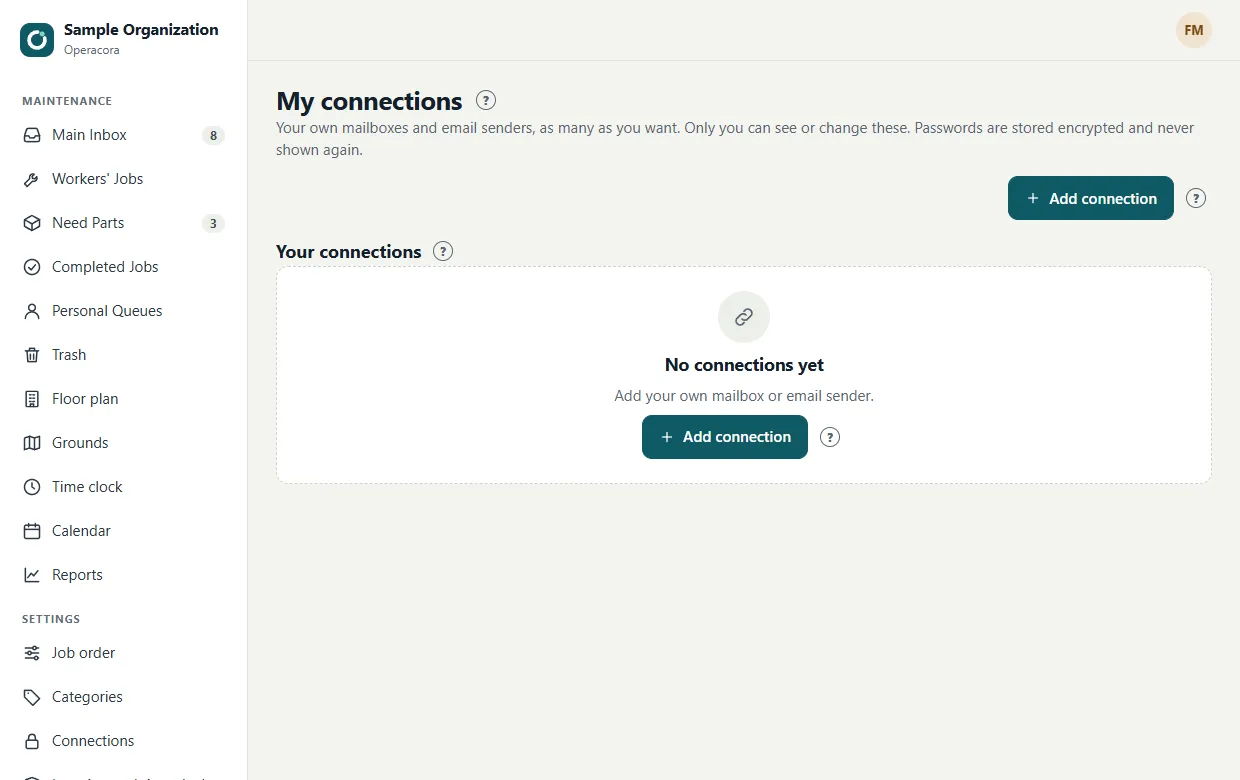
My connections is for accounts that belong to you, not your organization: your own mailbox, or an email address you send from. Open it from the link under your name in the web app's menu.
What you can add#
- Email server (SMTP): send from your own address through the email account you already have. Use an app password, not your normal password.
- Mailbox (IMAP): a mailbox Operacora may read, read-only.
You can add several of each and give them names. The features that use them (sending and reading email) are Coming; you can save your settings now. Connecting with a Google or Microsoft sign-in instead of an app password is Coming.
How to set one up#
- Make an app password with your email provider. This is a separate password just for one app, which you can delete at any time without changing your real password. For Google accounts, see Google's app passwords help.
- In My connections, press Set up and fill in the server, port, username and app password.
- Press Save.
Private to you#
- Only you can see or change your connections. Your organization's managers can't, and your connections never appear on the organization's Connections page.
- Passwords are encrypted and never shown again, the same as organization keys.
- Things that only make sense for a whole organization, such as AI, maps and texting, can't be added here.